While we’re waiting for this damned virus to die, I’ve been going out into the yard and photographing spring unfolding in the desert then playing with editing photos of patterns.
I broke down and bought the rest of PhotoScape X. It’s an editing program for both Mac and Windows. There’s a whole lot in the free part of the program and that’s what I’ve been using for a few years. Today, I spent the $40 USD to unlock the entire program. Below is the progression from start to finish.
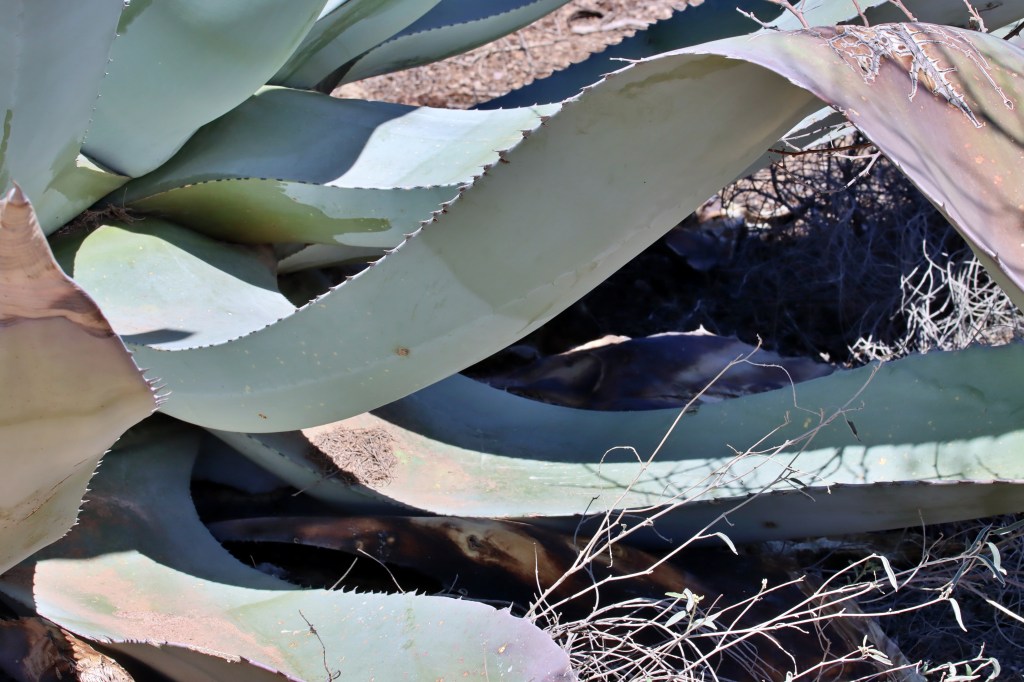
The original photo. I look for patterns that I can play with. This is a huge agave that grows in my back yard.

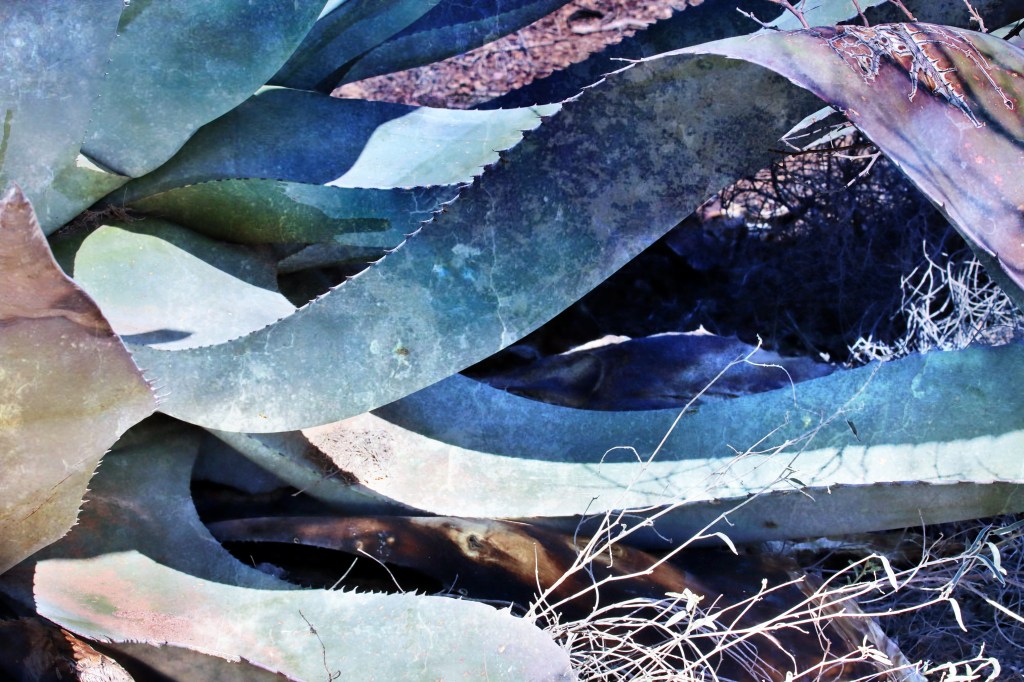
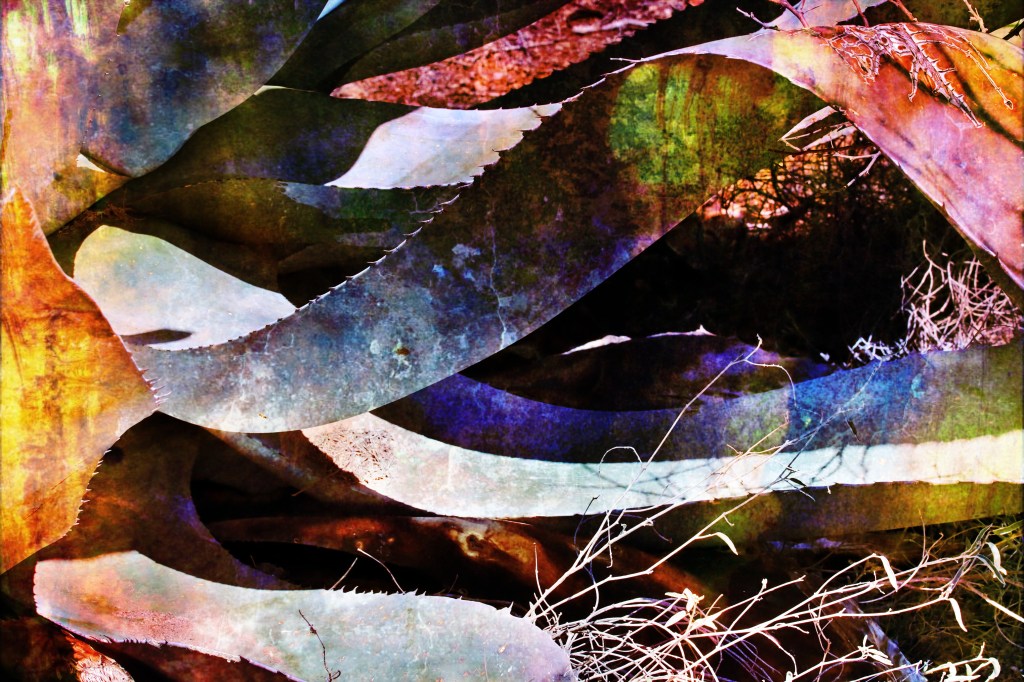
Some of the overlays in the program. I look for wild colors and getting as many colors as possible into the photo.
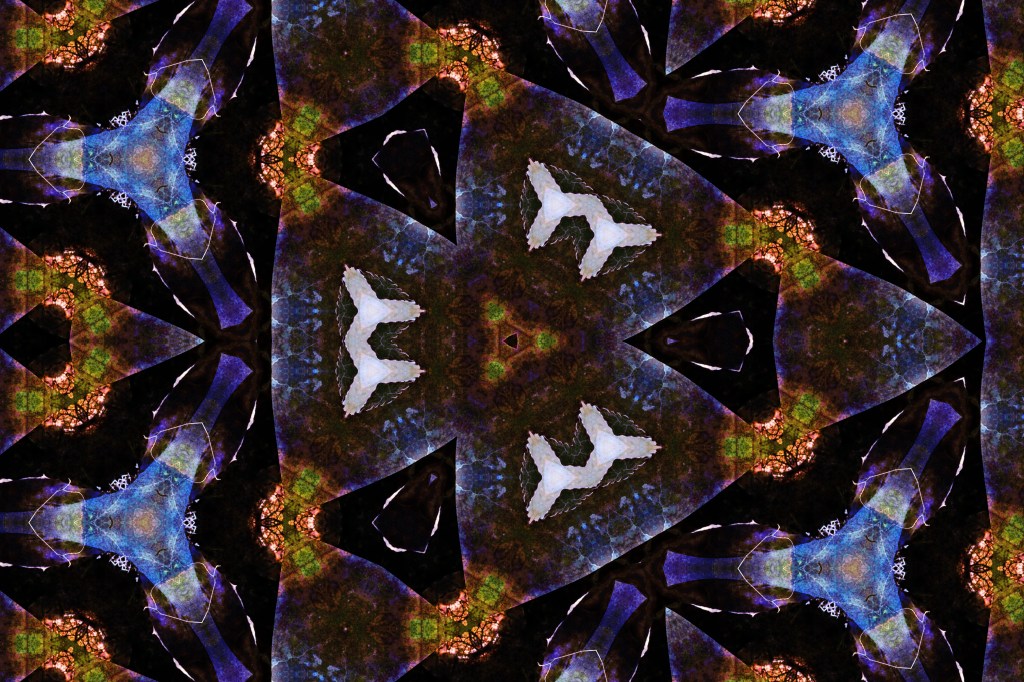
The kaleidoscope function gives me some wild shapes.
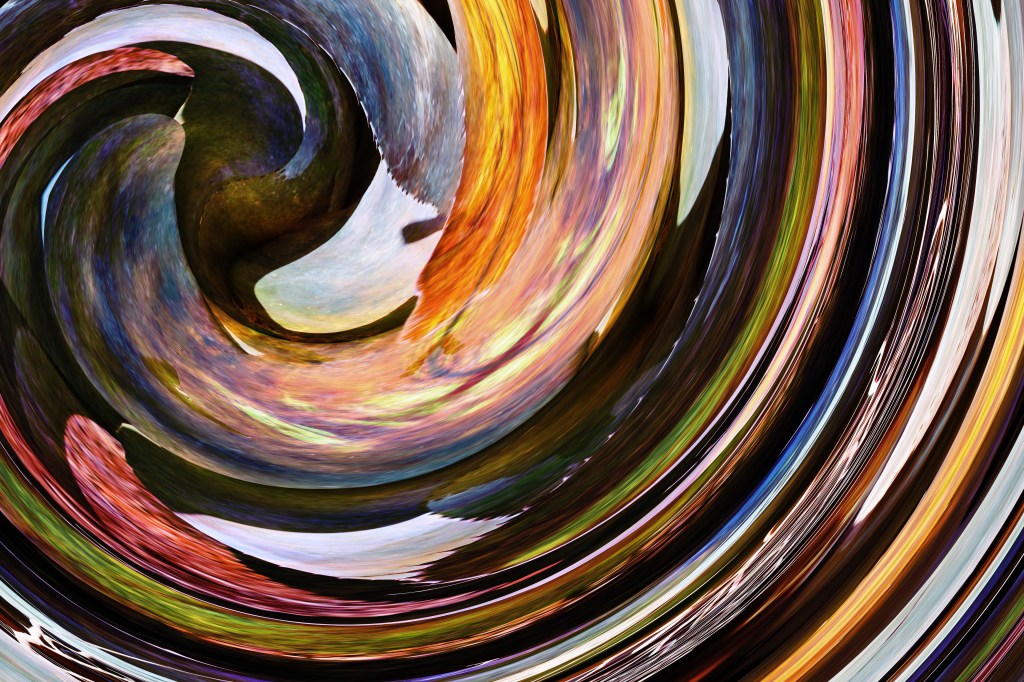
I reverted to the photo just before the kaleidoscope, and used twirl. I repeated twirl a few times to move the colors around.
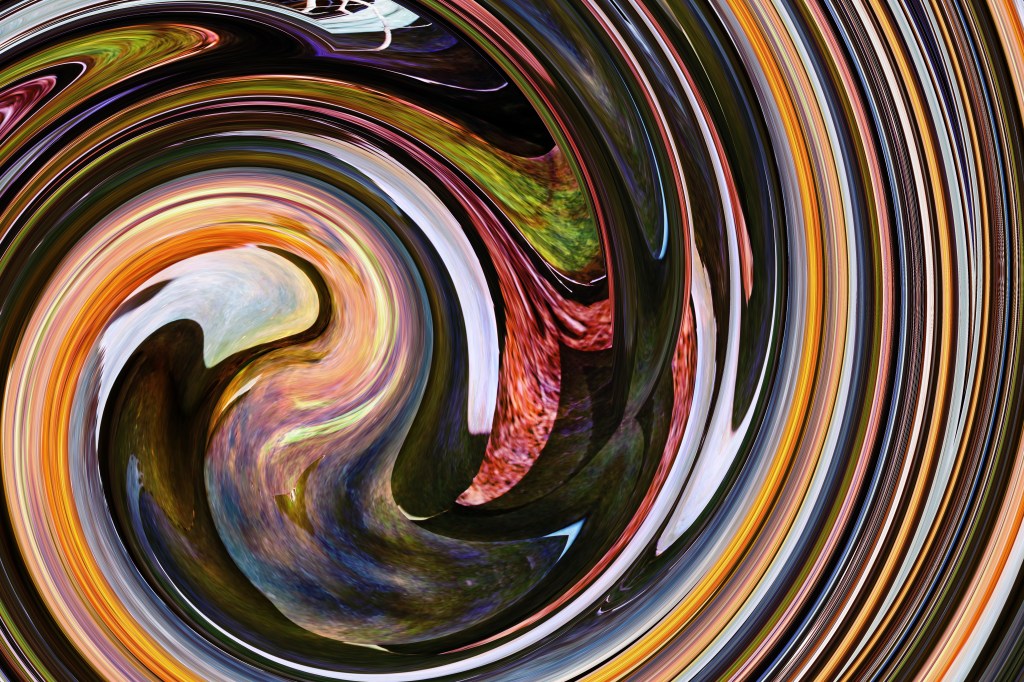

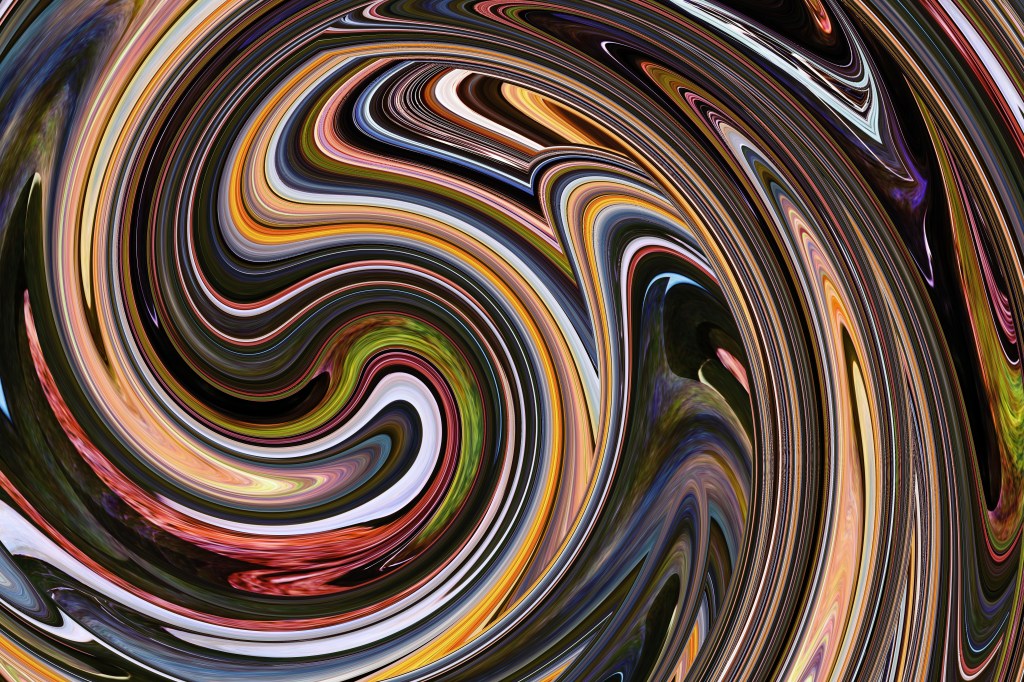
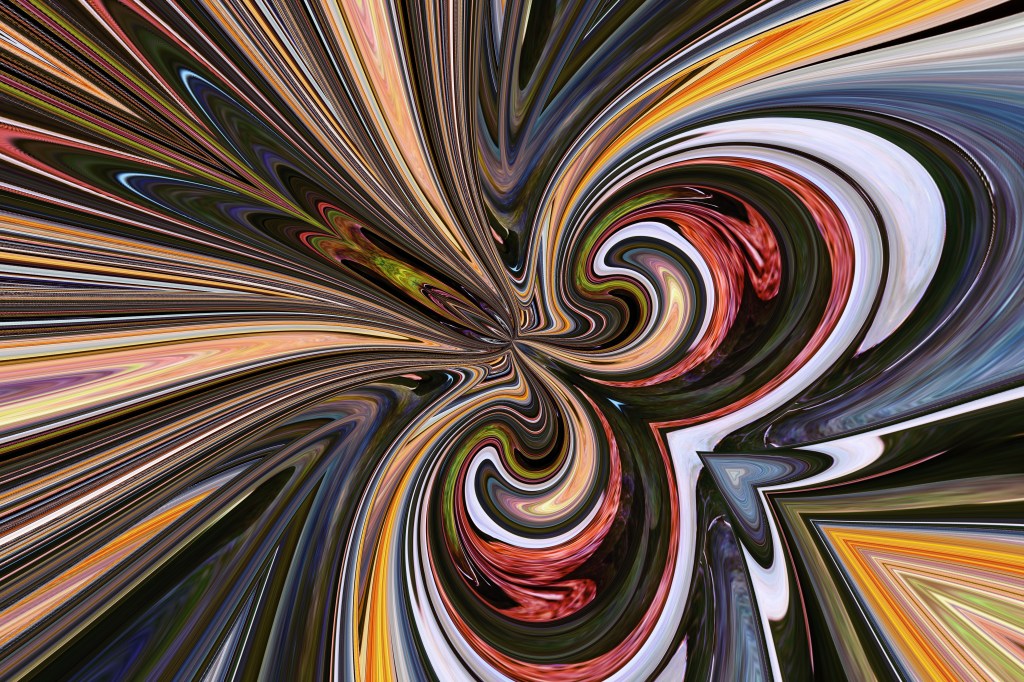
This is what happened when I used Tiny Planet and mirror after a few twirls.
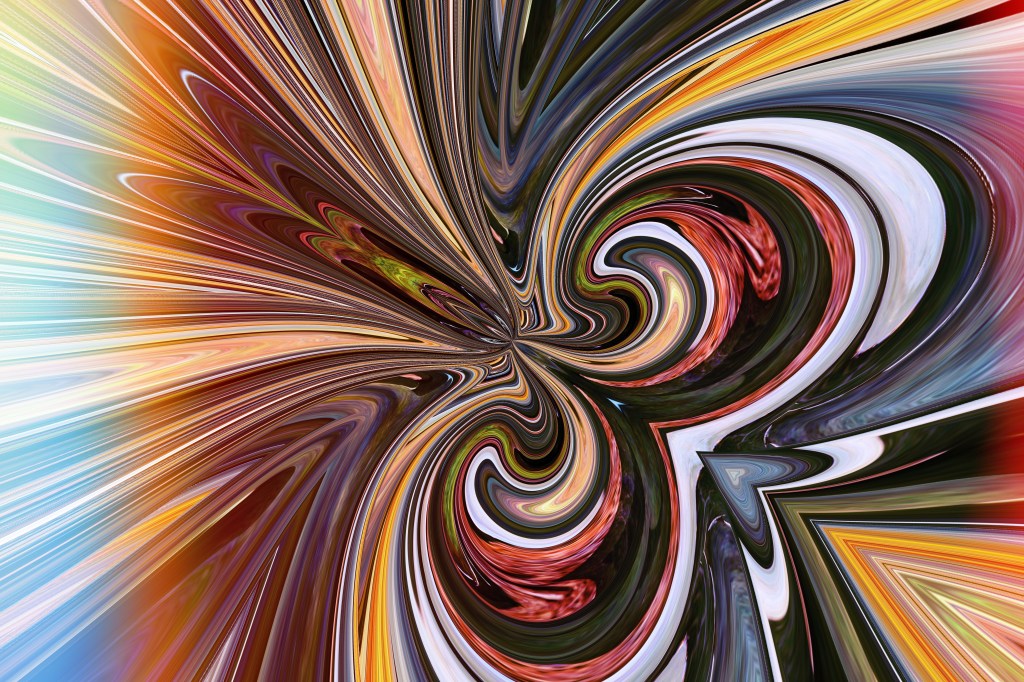
Next, I played with light leaks.

I played with bokeh.
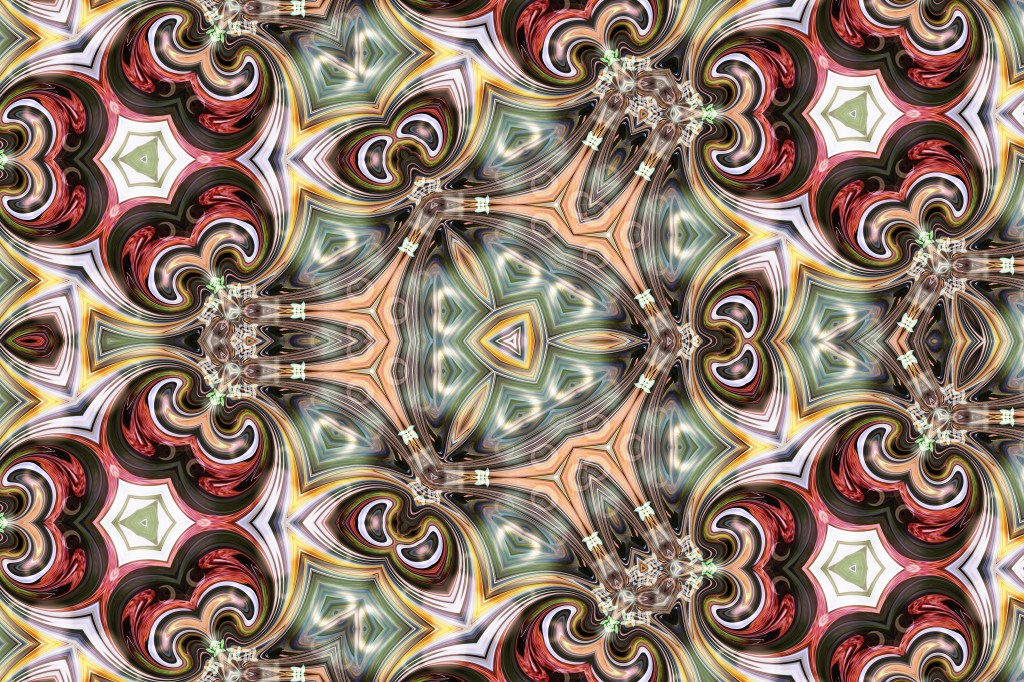
Then, I made a second kaleidoscope.
Eventually, I’ll take these photos, upload them to Spoonflower and make fabric designs. You can see my fabric designs here: https://www.spoonflower.com/profiles/deb_thuman
You can see my other art in my store, Deb Thuman Art here: http://www.DebThumanArt.com

 Deb's Art